
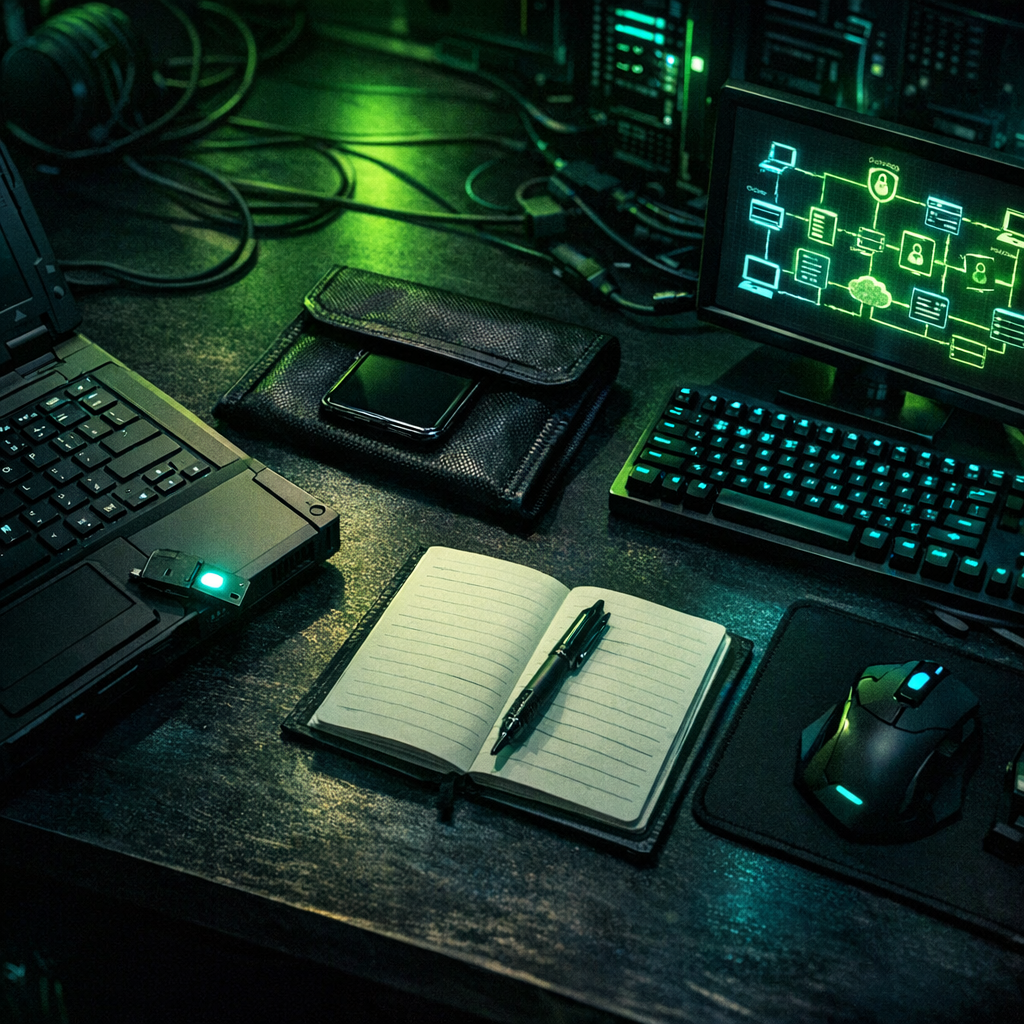
If you do security research, OSINT investigations, or bug-bounty work from home, your house is now in scope. The threat model is different from a corporate environment, there’s no SOC, no managed EDR, no helpdesk to call when something looks wrong. The work also drags adversarial code, malicious links, and live attacker infrastructure across your home network on a regular basis. None of that mixes well with a smart fridge and a kid’s iPad.
Here’s the OPSEC checklist I run on my own setup and recommend to anyone in the indie research lane. It assumes a budget closer to a few hundred dollars than a few thousand. Most of it is about discipline, not gear.
1. Compartmentalise the network
Your home router needs three VLANs at minimum: trusted (laptops, phones, family gear), IoT (everything that talks to the cloud and shouldn’t be trusted with anything), and research (the boxes you actually use to look at malicious things). The research VLAN should not be able to talk to the trusted VLAN at all. Inter-VLAN traffic should default-deny.
If your ISP-supplied router can’t do VLANs (most can’t), spend $150 on a small Mikrotik, Ubiquiti, or pfSense box. The setup takes an afternoon and pays for itself the first time a researched binary phones home and is contained.
2. Separate the hardware where it matters
You don’t need three laptops, but you do need at least two clear use modes. The “personal” machine has your email, banking, password manager, and family stuff. The “research” machine, even if it’s the same physical box booted from a different drive or running a sandboxed VM, has none of that. No saved passwords from your real life. No SSO sessions to your real accounts. No browser autofill that knows your address.
The cheapest version of this is a separate user account on the same machine with full-disk encryption per profile, locked-down browser, and an aggressive use-it-and-snapshot-revert workflow.
3. Identity hygiene for research personas
If your research involves engaging with adversaries, Telegram channels, dark-web forums, scammer phone numbers, you need persona accounts that have never touched your real identity. Different email, different phone (a cheap Hushed or MySudo number works), different browser fingerprint, different writing style if possible.
Free tool
How does your own site score?
Run the same forty passive checks against your own domain: TLS and certificates, security headers, SPF and DMARC, cookies before consent, and what your stack quietly reveals. A grade out of 100 in about fifteen seconds.
No signup. Nothing installed. We only request what your site already serves publicly.
Document the persona separately from your operational notes so you know what was said under which identity. Persona slip, accidentally posting a research finding to your real X account, or replying to a hostile DM from the wrong inbox, is the most common OPSEC failure I see in this field.
4. Phone discipline
Your phone is the easiest pivot from your work into your personal life. SIM-swap protection (a port-out PIN with your carrier, plus removing SMS as a recovery factor everywhere) is non-negotiable. A separate research phone or an eSIM-based research line keeps research-related two-factor codes off your main device. A Faraday pouch lives on the desk for moments where the device shouldn’t be reachable.
5. The malicious-binary rule
Anything you download for analysis, a ransomware sample, a stealer-log archive, a suspicious extension, gets opened only inside a disposable VM on the research VLAN, with no clipboard sharing, no shared folders, no host integration features enabled. The VM gets reverted to a clean snapshot after every analysis session. If you’re not using snapshots aggressively, you’re letting persistence accumulate quietly.
6. Backup the way you’d want a paranoid friend to
Three copies, two media, one off-site. The off-site copy is encrypted before it leaves your machine, no trusting Backblaze or iCloud with plaintext research notes. Test the restore once a quarter. Most “I have backups” claims fail at the restore step.
7. Physical security is not optional
Full-disk encryption with a strong passphrase (not a fingerprint as the only unlock) on every device. Screen lock under thirty seconds. Hardware security keys for the accounts that matter. A locked drawer or small safe for the research phone and the hardware keys when you’re out of the house.
8. The “did I leak today” weekly review
Once a week, fifteen minutes: check Have I Been Pwned for your real and persona emails. Check Google for your name plus any unique phrasing from your last article. Confirm the persona accounts are still siloed. If something looks off, that’s the day to act, not the day after.
None of this is glamorous. It is, however, what separates a researcher who keeps doing this work for years from one who has a bad week and disappears.
The Ransomnews Monthly
One email a month. Original leak-site data, victim census updates, and the findings that did not make the articles. No spam, unsubscribe any time.
Double opt-in. We store your email, signup time, and IP for consent records (GDPR Art. 7). See our privacy policy.