
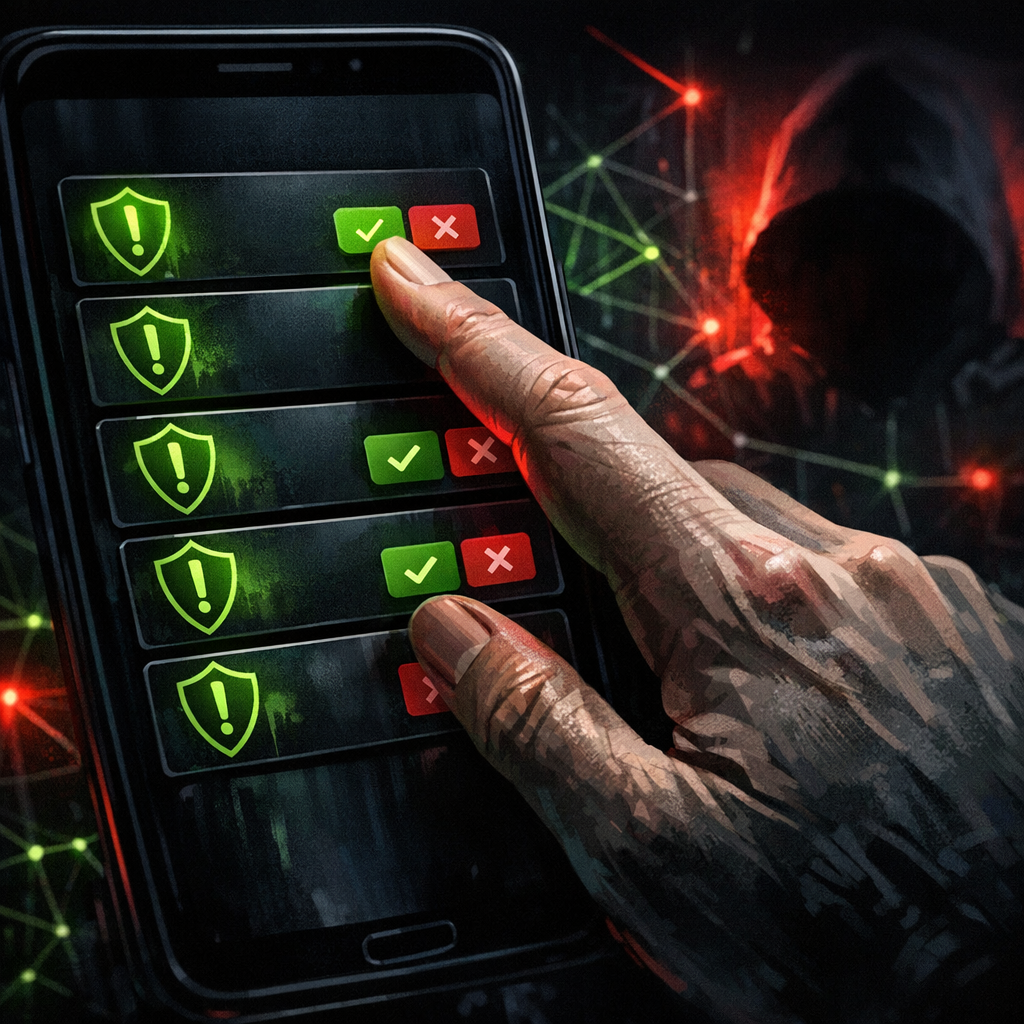
Multi-factor authentication has been called “the single biggest control upgrade most organisations can make.” It’s still true. And yet, in the first quarter of 2026, MFA fatigue attacks accounted for a meaningful share of the initial-access incidents we’ve reviewed across ransomware, business email compromise, and SaaS-account-takeover cases. The control works. The humans approving the prompts don’t always.
This is a practical look at why MFA fatigue is still landing in 2026, what the attack flow looks like end-to-end, and the four configuration changes that move the needle. No vendor pitches.
What an MFA fatigue attack actually looks like
The attacker starts with a valid username and password, usually purchased from a stealer-log marketplace for under twenty dollars. They log in, hit the MFA challenge, and instead of giving up, they spam the push-notification endpoint. Five prompts. Ten. Sometimes a hundred over a few hours. Eventually the user taps “approve”, to make the noise stop, because they think it’s a stuck app, because they’re at dinner and it looks like the same legitimate prompt they tap every morning.
The 2026 evolution is that the attacker often pairs the spam with a phone call. They impersonate IT support, claim there’s a “verification check,” and ask the user to approve “the next prompt you see.” It works alarmingly often. The 2022 Uber breach used this exact pattern, and four years later the playbook is unchanged because the underlying psychology is unchanged.
Why push-based MFA is the weak link
Push notifications are convenient. They’re also context-free. The user sees “Approve sign-in?” and a logo. They don’t see where the request originated, what device is asking, or whether this is the third such prompt in five minutes. SMS-based MFA has its own problems (SIM-swap attacks, intercepted codes), but at least it forces the user to type a code, which is a tiny moment of friction during which the brain catches up.
The fix isn’t to ditch MFA. It’s to make the approval step harder to spam and harder to approve thoughtlessly.
Four controls that actually stop MFA fatigue
1. Number matching
Microsoft, Okta, Duo, and most major IdPs now support number-matching prompts: the login screen displays a two-digit number, and the user has to type that number into their authenticator app to approve. It is the single most effective change you can make in an afternoon. Spam-tapping no longer works because every prompt requires a fresh, sign-in-specific number that the attacker doesn’t see.
Free tool
How does your own site score?
Run the same forty passive checks against your own domain: TLS and certificates, security headers, SPF and DMARC, cookies before consent, and what your stack quietly reveals. A grade out of 100 in about fifteen seconds.
No signup. Nothing installed. We only request what your site already serves publicly.
2. Phishing-resistant MFA for privileged accounts
For domain admins, cloud-platform owners, and anyone who can move money, push prompts shouldn’t be the only option on the table. FIDO2 hardware keys (YubiKey, Google Titan, SoloKeys) bind the credential to a specific origin. They cannot be spammed because there’s no “approve” button to spam, the user has to physically touch the key, on the right device, in response to a real challenge. If your CFO is on push MFA in 2026, that’s a finding.
3. Risk-based authentication with explicit deny rules
Modern IdPs let you write conditional access policies that deny logins from anonymising infrastructure (Tor exit nodes, residential-proxy IPs commonly seen in stealer-log monetisation, datacentre IPs that don’t belong to your normal vendors). They also let you require step-up authentication when the location, device, or behavioural pattern looks unusual. These rules generate noise during the first month, but they shrink the attacker’s playing field considerably.
4. Rate limiting and lockout on the prompt itself
If your IdP allows it, cap the number of MFA prompts a single account can receive per minute, and lock the account into a brief cool-down after a threshold (e.g., five denials or 10 prompts in ten minutes). The user gets a clear error message instead of an endless flood. Notify the user and security operations when this triggers.
The training piece that’s actually worth doing
Most security awareness training on MFA fatigue is one slide that says “don’t approve prompts you didn’t initiate.” That works for the people who already know. It does nothing for the user at dinner who’s been getting prompts for an hour.
What works better is teaching three specific behaviours: (a) deny first, ask later, if a prompt arrives unexpectedly, deny it and report; (b) IT will never call you and ask you to approve a prompt; (c) if prompts keep arriving, that itself is the incident, call the help desk, lock the account, change the password.
Detection that flags fatigue attempts
From the SOC side, the signal is loud once you know what to listen for. A burst of denied MFA challenges within a short window for the same account, especially when the source IP differs from the user’s normal location, is high-fidelity. Alerts on this from Entra ID sign-in logs, Okta system logs, and Duo authentication logs catch most live attempts before the user finally taps approve. If you don’t have this rule yet, write it this week.
Bottom line
MFA fatigue isn’t a story about a flaw in MFA. It’s a story about the gap between “we deployed MFA” and “we deployed MFA correctly.” Number matching, hardware keys for privileged accounts, conditional access, and rate limiting close that gap with no new spend and a few hours of admin time. Worth doing this week, not next quarter.
The Ransomnews Monthly
One email a month. Original leak-site data, victim census updates, and the findings that did not make the articles. No spam, unsubscribe any time.
Double opt-in. We store your email, signup time, and IP for consent records (GDPR Art. 7). See our privacy policy.