
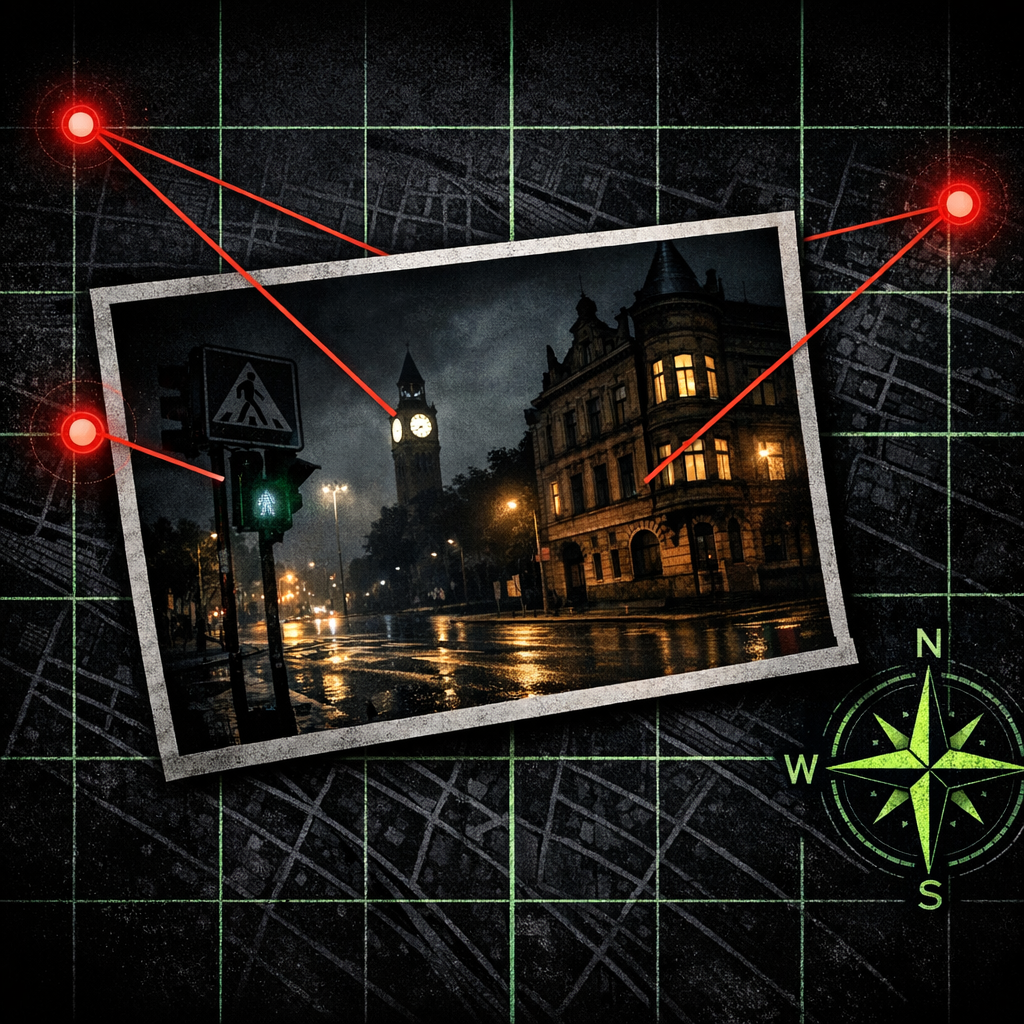
Geolocation is the OSINT skill that looks like a magic trick the first time you see it done. Someone shows you a photo of a street corner, a balcony, a half-visible sign. Twenty minutes later they hand back the GPS coordinates. The trick has nothing to do with hidden EXIF data or some secret government database. It’s pattern matching, performed patiently, against publicly available maps and imagery.
This is the Bellingcat-style workflow that newsroom verification teams use to fact-check user-generated content from conflict zones, news events, and viral images. It’s also useful for journalism (confirming a source’s stated location), due diligence (verifying a property’s address against a marketing photo), and academic research (mapping the geography of a documented event). I’m going to walk you through the method against a sanitized example so you can see how the moves feel in practice.
Why geolocation matters as an OSINT skill
A photograph by itself is not evidence. A photograph anchored to a place and a time is. Most of what newsrooms publish from a conflict zone, a protest, or a developing news event passes through some version of geolocation before it reaches print. Bellingcat’s investigation of MH17 made the technique famous; it’s been used to verify hundreds of stories since, including the Reuters work that won the 2022 Pulitzer for international reporting.
Geolocating photos of yourself or of locations you control is uncontroversial. Geolocating photos of identifiable private individuals is a different category and is the same ethical territory I covered in the OSINT.industries piece: you need a documented legitimate purpose, the subject should be public-acting, and the output should be proportionate to the question. Geolocating a war crimes scene, a flood-damaged neighborhood, or a candidate’s campaign photo is fine. Geolocating a stranger’s holiday selfie because you can is not.
The method, in five moves
Geolocation is a sequence. Each move narrows the search space. The first move covers continents; the last covers a single building.
1. Read the image like a witness statement
Open the photograph and write down everything you can see, in plain language, before touching a search engine. Buildings: how tall, what colour, what material. Vehicles: licence plate format, model, market. Vegetation: deciduous or coniferous, healthy or arid. Signage: language, alphabet, partial words. Sky: time of day, sun angle, cloud type. People: clothing, ethnicity (only as a regional hint, never as identity), apparent activity.
You’re looking for what verification professionals call "anchors": small, distinctive details that survive a search-engine query. A rare brand of bus, a specific shape of road sign, a partial word in an unusual font, a particular type of street furniture.
2. Geolocate the country (or region)
Use the anchors to narrow to a country or two. Licence-plate formats are excellent for this. So are utility-pole shapes (the GeoGuessr meta cheatsheet collects most of the well-known regional tells), road-marking colours, the chassis style of common vehicles, the alphabet on signage, and the architectural vernacular of houses (Soviet-era apartment blocks look nothing like Brazilian favelas which look nothing like American suburbs).
If the photograph contains text, even partial, run it through Google Translate’s image mode. Even a half-letter in an uncommon script can pin a country in seconds.
Free tool
How does your own site score?
Run the same forty passive checks against your own domain: TLS and certificates, security headers, SPF and DMARC, cookies before consent, and what your stack quietly reveals. A grade out of 100 in about fifteen seconds.
No signup. Nothing installed. We only request what your site already serves publicly.
3. Geolocate the city or town
Once you have a country, switch to the country-specific search engines. In Russia, that’s Yandex. In China, Baidu. In Korea, Naver. Yandex Images in particular is famous in the OSINT community for finding Russian-language street-view images that Google cannot. Run the photograph through reverse image search against each engine; if you don’t get an immediate hit, search the partial text or the distinctive logo against region-specific image search.
If the photograph shows a building style or skyline silhouette, search by it. "Soviet five-storey apartment building white panels Volga region" returns useful starting points. So does "yellow-and-blue regional bus livery [country]." This is where speaking some of the local language helps; if you don’t, browser translate works fine for most cases.
4. Drop into satellite and street view
Once you have a candidate city, open Google Earth (or Yandex Maps, or Bing Maps Bird’s Eye, depending on which platform has the best coverage of your region). Switch to satellite view. The thing you are looking for is a layout match: the same arrangement of buildings, roads, and landscape features that you see in the photograph.
Helpful clues at this stage:
- The angle of the photograph tells you which direction the camera was facing. The shadows tell you the rough time of day, which combined with the date narrows the sun position.
- Tall, distinctive structures (cooling towers, mosque minarets, bridges, sports stadiums) are visible from satellite and act as anchors.
- River bends, coastlines, and rail lines are extremely distinctive at zoom level 12-15. If your photograph shows any, you can often pin the location to a few square kilometres on those alone.
Drop the Google Street View pegman onto candidate locations and rotate. You’re looking for the same buildings, the same fences, the same trees in the same arrangement.
5. Confirm and document
When you find the match, you confirm it by listing every feature in the photograph that lines up with the satellite/street view, and every feature that doesn’t. Three or four matching features that aren’t generic (any street has lampposts; not every street has a particular shop sign next to a particular tree next to a particular distinctive crack in the pavement) is usually enough for a confident finding. Document the candidate location with: the street-view URL, the satellite-image URL with date stamp, a side-by-side comparison image, and a written list of matching features. Save it all to your case folder.
A worked example
I’ll use a sanitized version of an exercise I run for trainees. The photograph shows a person at an outdoor café table, with a fragment of yellow building visible behind them and a bus in the background. I can read three letters of the bus livery; the alphabet is Cyrillic.
- Country: Cyrillic + chassis style of the bus narrows to Russia, Belarus, Bulgaria, Ukraine, Serbia, North Macedonia, Mongolia, or Kazakhstan. (Cyrillic is not just Russia.)
- City: the partial bus livery is
АВТО...in a particular blue-on-yellow style. Reverse image search via Yandex returns a handful of city bus operators using that livery; one is in a regional Russian city of about 300,000 people. - Street: I find the central café district on Yandex Maps, switch to satellite, look for café tables on a street with a yellow building opposite. There are maybe eight candidate spots. I open street view on each.
- Match: third candidate. The yellow building has the same window pattern. The bench has the same metal armrest. The tree to the left of the café is the same age and same species as in the photograph.
Total time: about 35 minutes for someone who has done this before, two hours for a beginner. The first one you do feels impossible. The fiftieth feels routine.
The traps
The classic mistakes are:
- Anchoring too early. You decide it’s "definitely Eastern Europe" in the first thirty seconds and then ignore evidence that points elsewhere. Slow down.
- Confirmation bias on the match. Three out of three matching features when the photograph shows ten features is a coincidence, not a confirmation. Make yourself list the non-matching features, too, and explain them.
- Treating EXIF metadata as ground truth. EXIF GPS tags can be spoofed, stripped, or wrong. Always confirm the EXIF claim against the visual content of the image. If they disagree, the visual content wins.
- Acting alone on a hard case. The verification community is collaborative for a reason. If you think you’ve geolocated something significant, get a second analyst to repeat the work independently before you publish or report it.
Further reading
- Bellingcat’s guide to geolocation
- GeoGuessr, practice game; the meta-tutorials in the GeoGuessr community have taught a generation of OSINT geolocators
- GeoTips, community-maintained reference for visual geographical tells
- Yandex Images, TinEye, and Google Lens for the reverse-image step
If you want a single exercise that builds the skill faster than anything else: do five minutes a day of GeoGuessr. The pattern recognition transfers directly. Six weeks in, you’ll surprise yourself.
The Ransomnews Monthly
One email a month. Original leak-site data, victim census updates, and the findings that did not make the articles. No spam, unsubscribe any time.
Double opt-in. We store your email, signup time, and IP for consent records (GDPR Art. 7). See our privacy policy.